Give each tool a different job
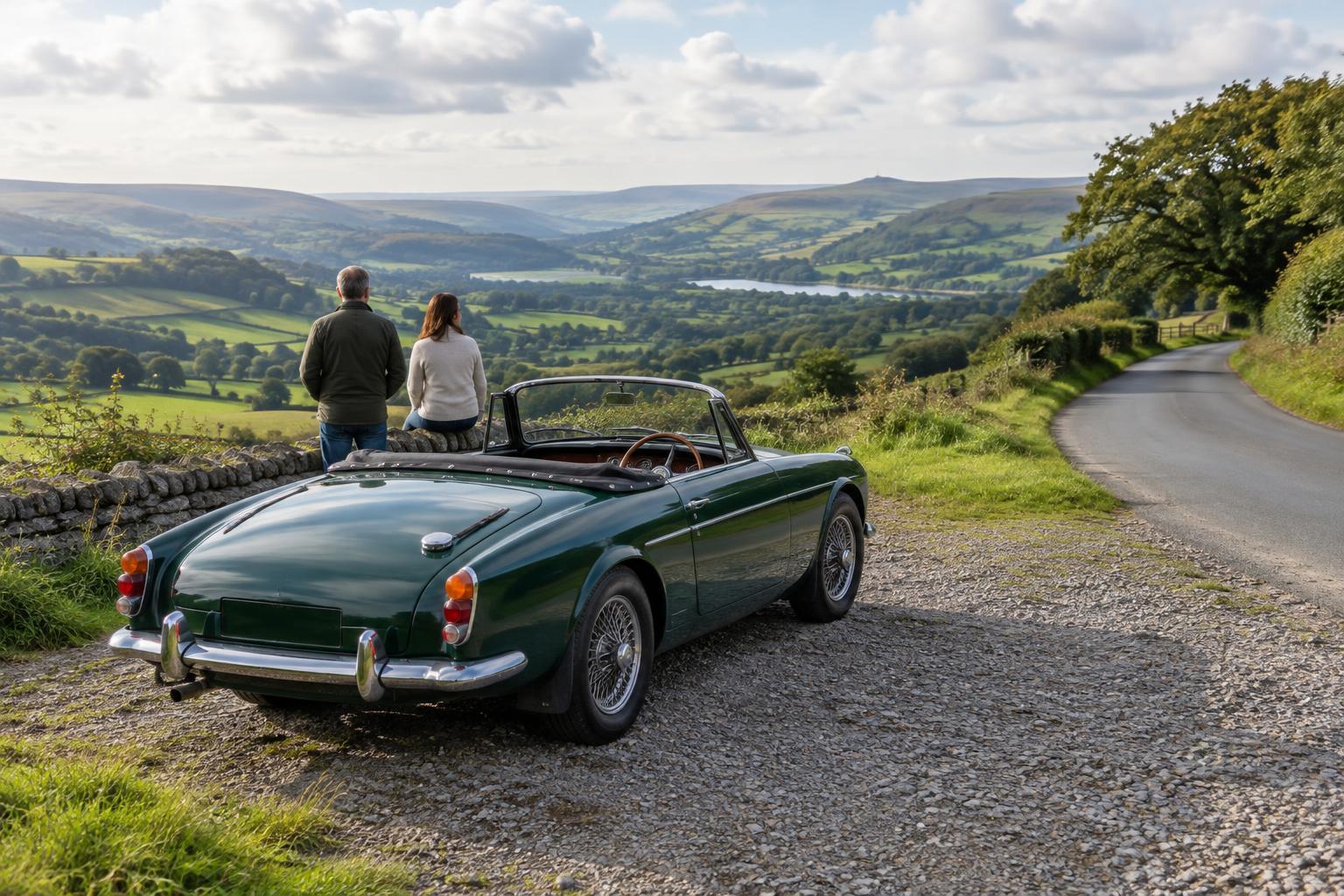
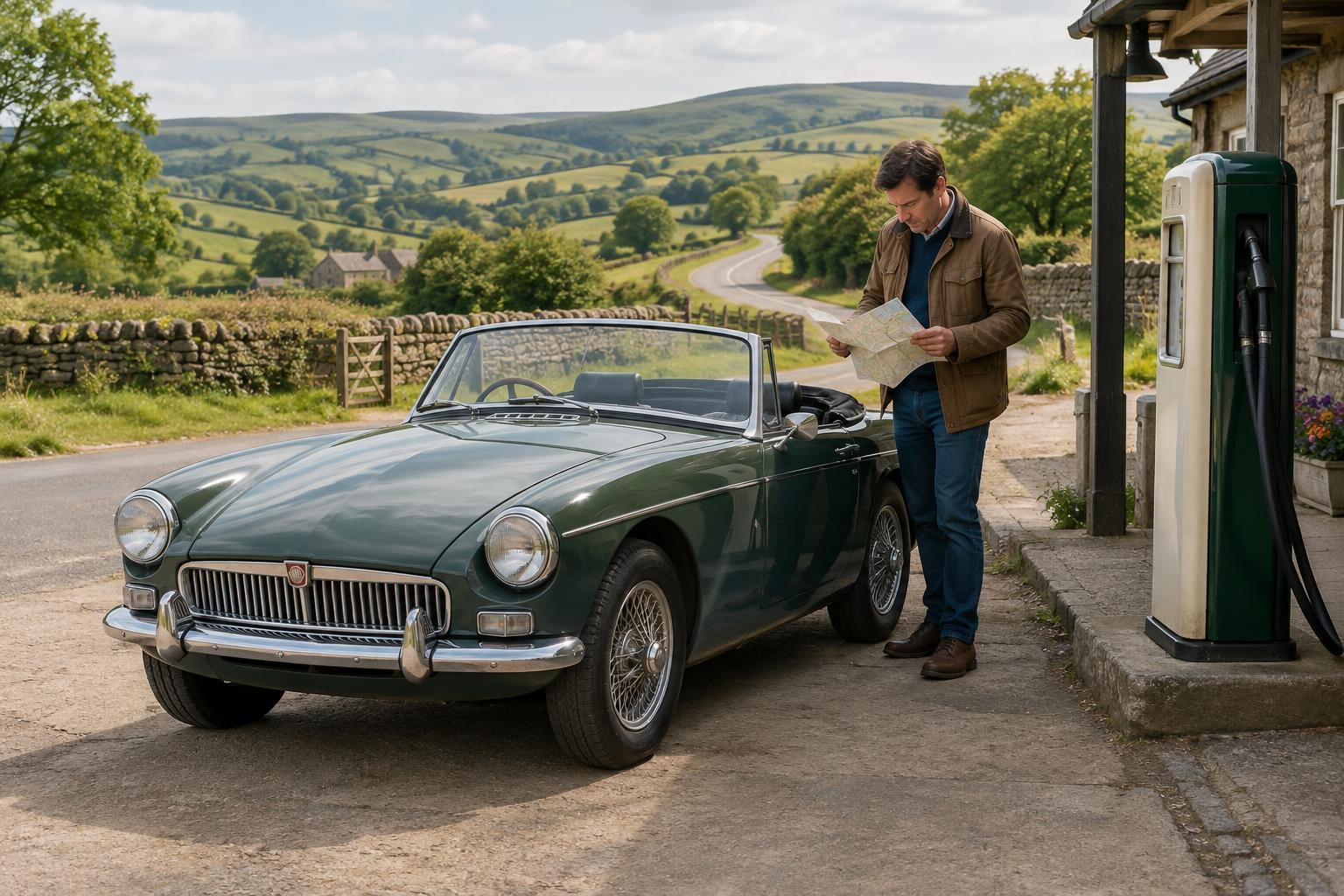
One pleasure of touring in a classic car is seeing how a route fits the landscape. A paper road map makes that easy: you can trace a river valley, spot a string of villages or choose a smaller road that looks more interesting than the direct route. It also gives everyone in the car a shared picture of where the day is going.
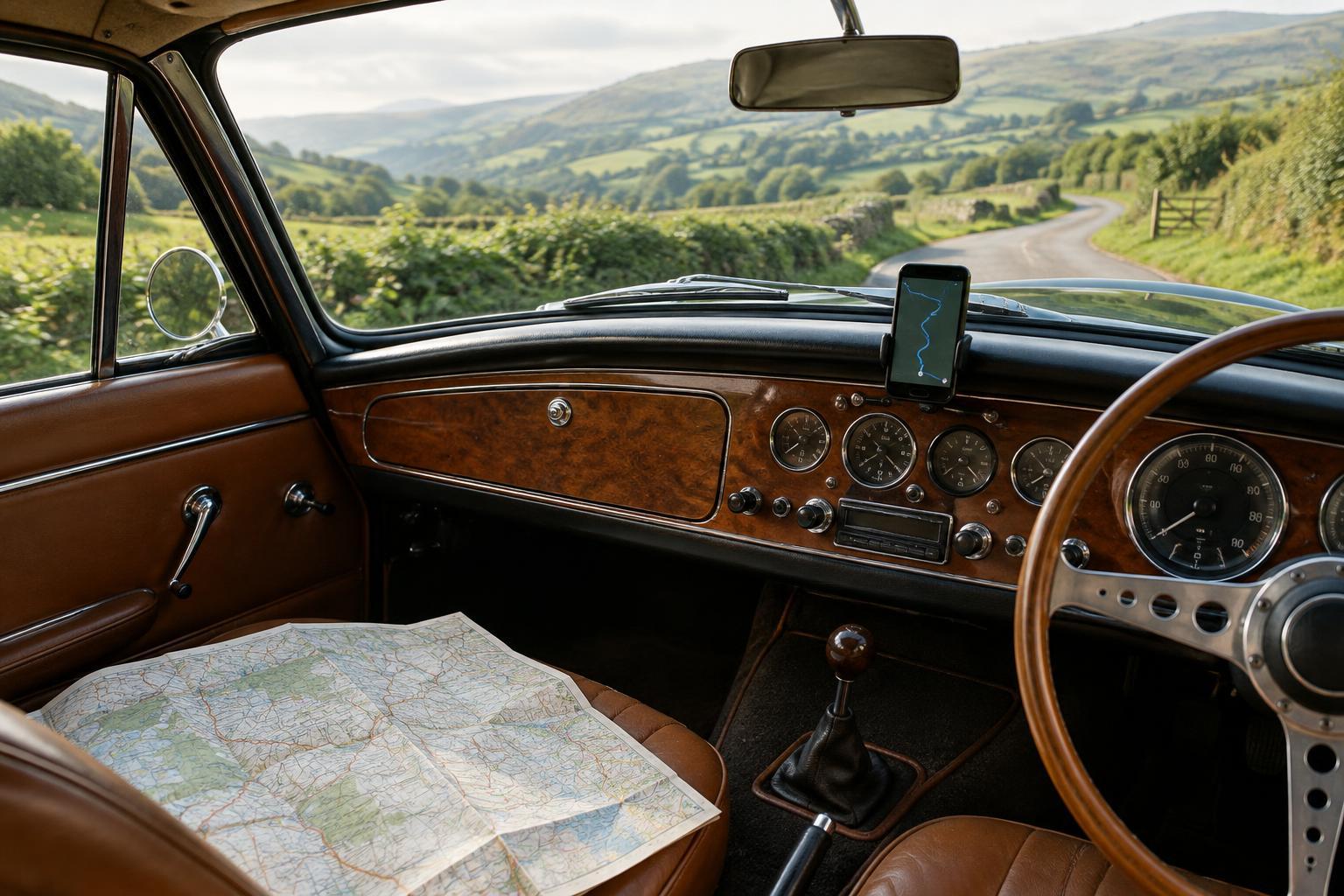
Digital navigation is useful at a different scale. It can help you find a turning in an unfamiliar town, locate a planned stop and respond when the road ahead is closed. Neither tool needs to be the sole authority. Treat the map as the outline of the drive and the device as an aid for particular decisions. That approach leaves room for a scenic detour without requiring you to improvise every junction.
Plan the day on paper first
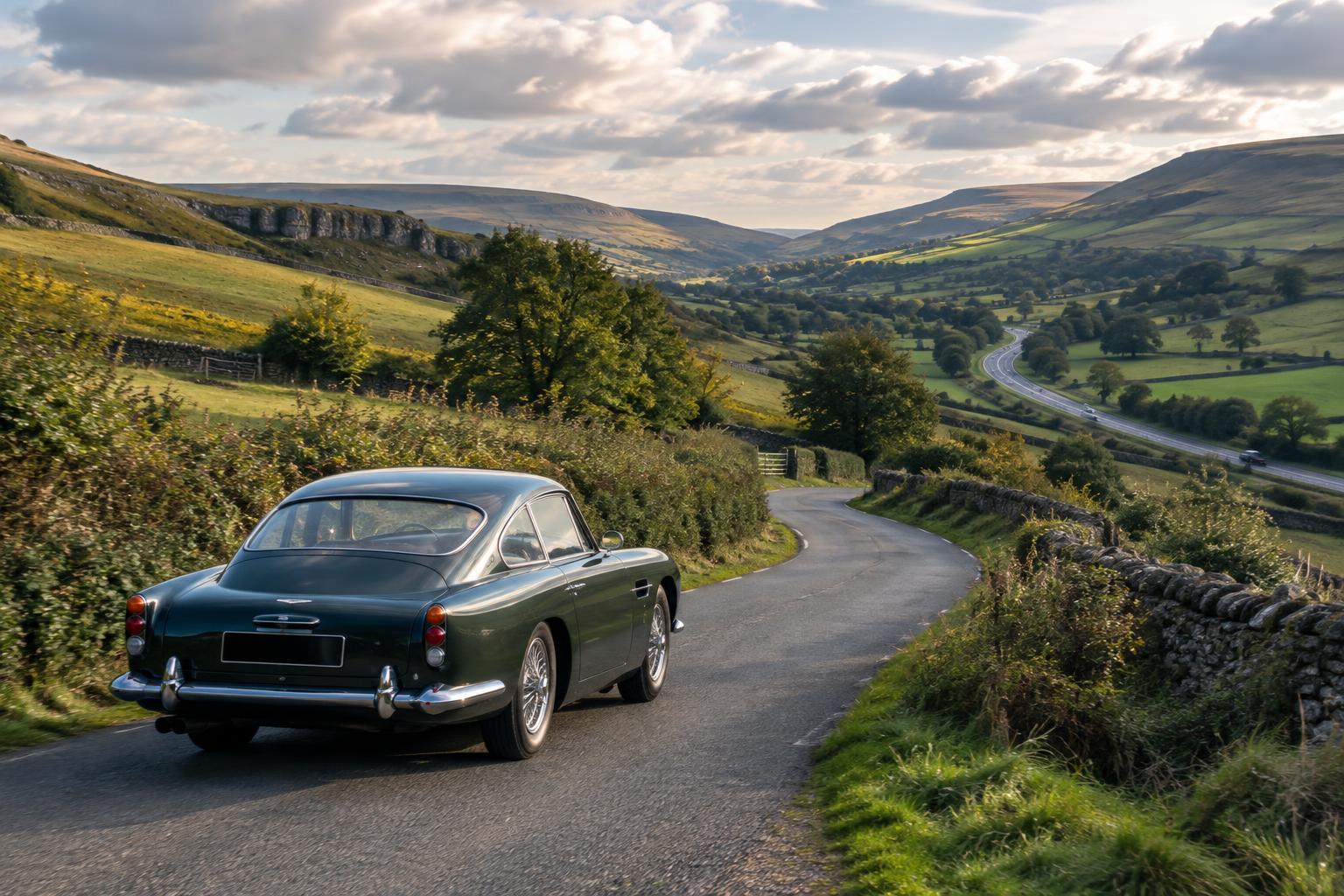
Start with a route that suits the car, the passengers and the time available. Mark a few anchor points on the map: a start, a lunch or rest stop, and a finish. Then look for roads that connect them at a comfortable pace. A winding lane may be appealing on paper but less enjoyable if it turns the whole day into a tight schedule. Allow time for fuel, photographs, a wrong turn and an unhurried cup of tea.
Write down the names of a few towns or villages along the way. They are often easier to use as signposted waypoints than a long list of road numbers. Before setting out, compare your chosen route with a digital map for awkward junctions and places where navigation may be especially useful. Check opening arrangements directly if a particular stop matters to your plans; a marker on a map does not guarantee that a café, attraction or fuel stop will be available.
Set up the digital route before moving
Enter the anchor points while the car is parked, rather than simply asking an app for the fastest route to the final destination. Check the route it draws between each point. A navigation service may prefer a major road when you had a quieter one in mind, or propose a very narrow shortcut that does not suit a relaxed drive. Adding an intermediate stop can help preserve your intended route, but review the result rather than assuming the device has understood the spirit of the trip.
If your device allows it, save the route or download the relevant map area before leaving. That can be helpful where mobile reception is patchy, though an offline map may not show recent changes. Bring a suitable charging lead or power bank, and place the device where it can be glanced at without obstructing the view or interfering with the car’s controls. In a classic with a compact cabin, a passenger reading directions may be simpler than finding a good place for a screen.
Navigate without losing the pleasure of the road
Agree on a simple division of labour. The driver concentrates on driving; a passenger, if present, watches the route and gives directions with enough notice for an easy decision. The paper map can stay open to show the wider picture while the device handles the next junction. Travelling alone calls for a different habit: review the route before departure and pull over somewhere safe if you need to study a map or change a destination.
Do not let a missed turning become an urgent problem. Continue to a sensible place to turn or stop, then reassess. A navigation prompt can be followed, ignored or checked against the map; it is not a command to make a sudden manoeuvre. This is particularly worth remembering on an unfamiliar rural road, where a tempting shortcut may have limited passing space or a surface you would rather avoid.
Keep a fallback for changes of plan
Roadworks, weather and fatigue can all alter a touring day. If the intended road is unavailable, use the digital map to examine nearby options, then use the paper map to see where each option leads in the wider area. A diversion that looks short on a screen may take you away from fuel or your planned stop. Conversely, a longer route through a familiar town may make for a calmer drive.
Keep the map accessible rather than buried beneath luggage, and note an alternative stopping place if the day runs late. It helps to tell your passenger when you are happy to change the plan: the aim is a good drive, not perfect adherence to a line drawn the night before. Used together, paper and digital navigation provide both perspective and flexibility. They help you know where you are while leaving you free to enjoy getting there.